Design to Delivery: A Rhino.Inside.Revit Workflow #01 - Background of Rhino.Inside.Revit
Background of Rhino.Inside.Revit: What it is and what it does?
In the last post, I introduced the overview idea of a design-to-delivery workflow using Rhino.Inside.Revit.
Before jumping into the workflow, let’s clarify one thing:
👉 What exactly is Rhino.Inside.Revit — and what does it actually do?
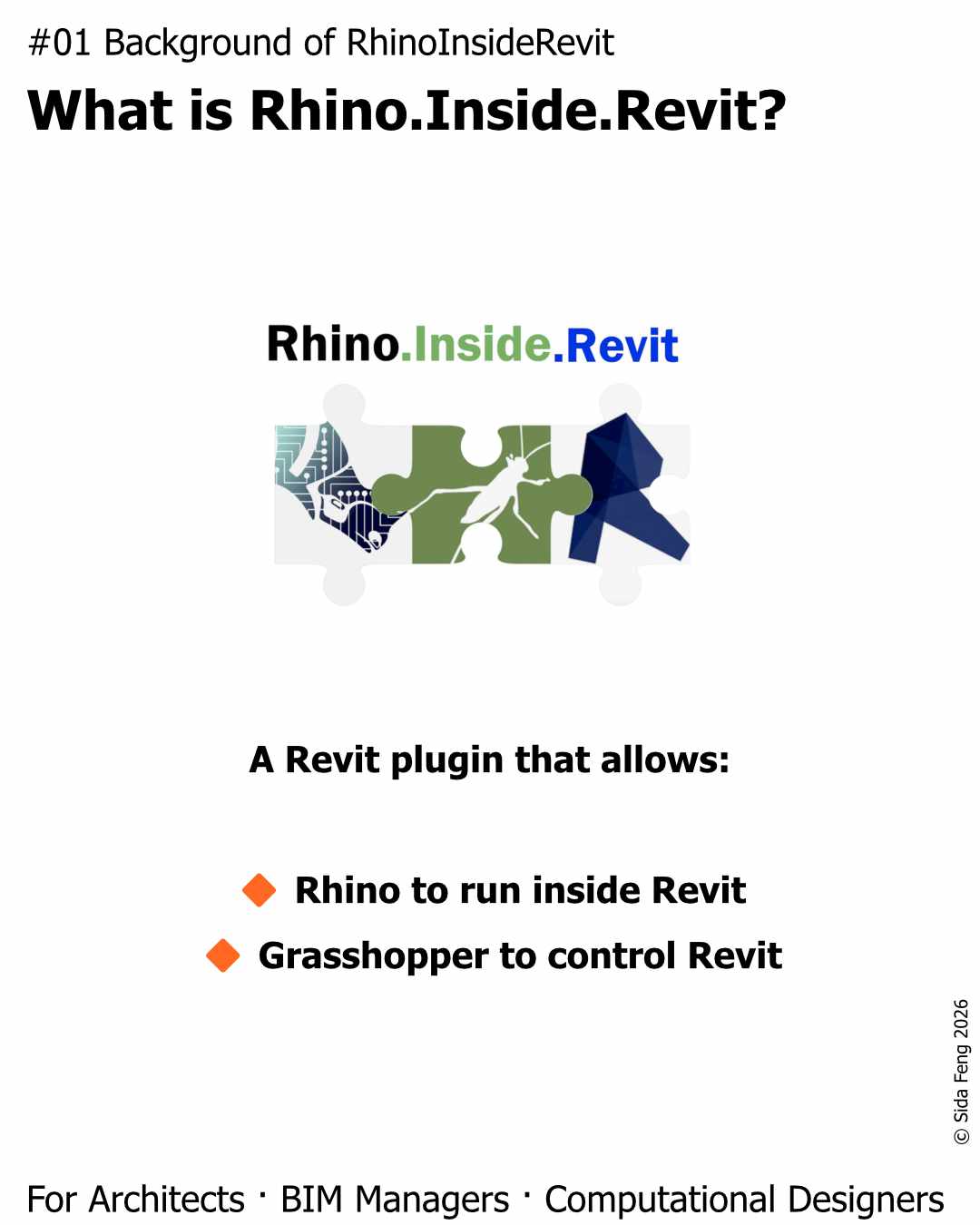
What is Rhino.Inside.Revit?
Rhino.Inside.Revit is a free, officially supported Revit plugin developed by Robert McNeel & Associates, the developer of Rhino.
It allows us to run Rhino and Grasshopper directly inside Revit.
More importantly, as a Grasshopper based tool, it includes Revit aware components that communicate with Revit at a native Revit API level.
In simple terms
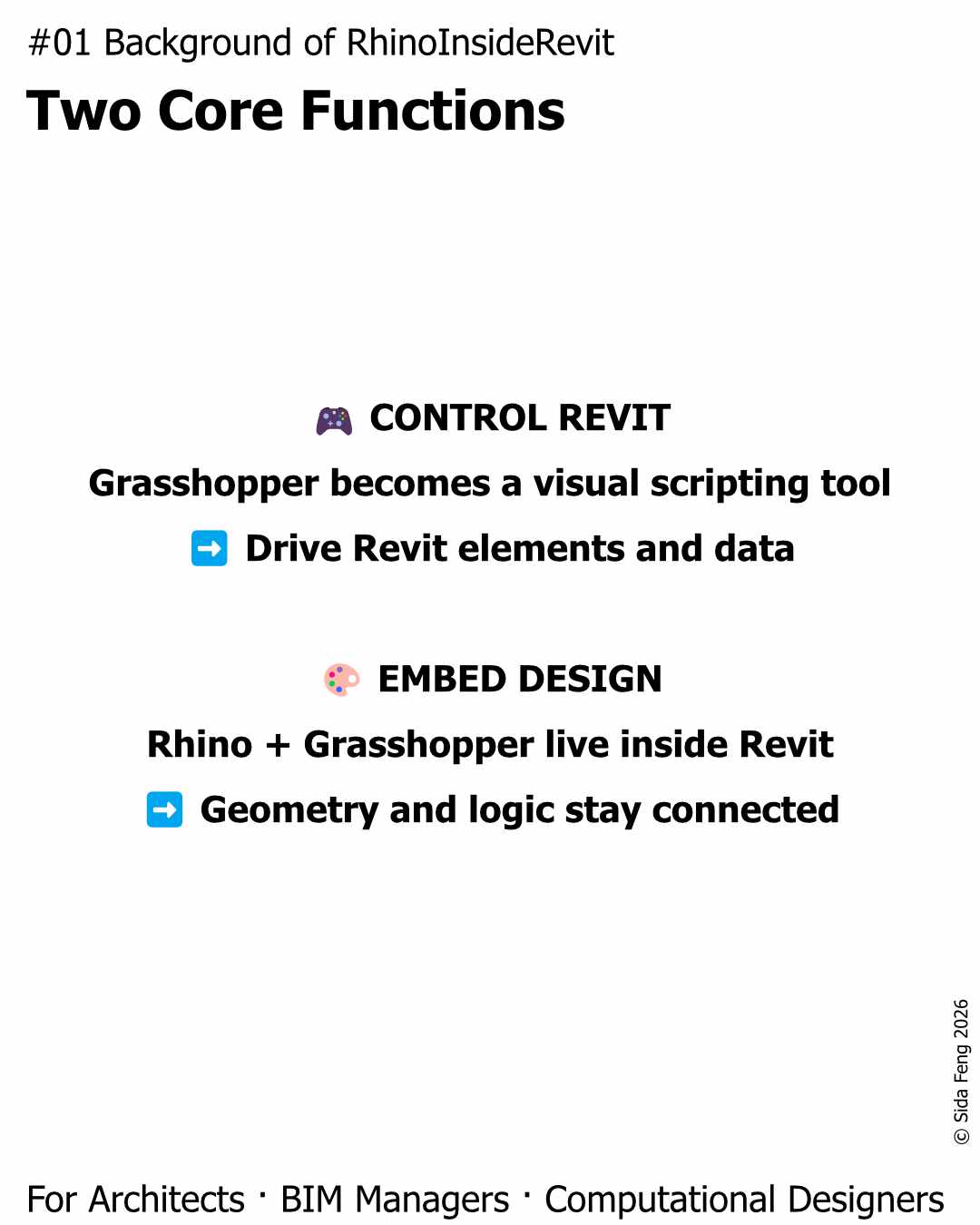
Rhino.Inside.Revit does two key things:
🔸 Turns Grasshopper into a Revit controller
A visual scripting tool that can drive the Revit environment
Similar to Dynamo, but with the flexibility and speed of Grasshopper
🔸 Embeds Rhino + Grasshopper into Revit
Geometry, logic, and data can exist within the Revit environment
Not as an external reference — but as part of the project workflow
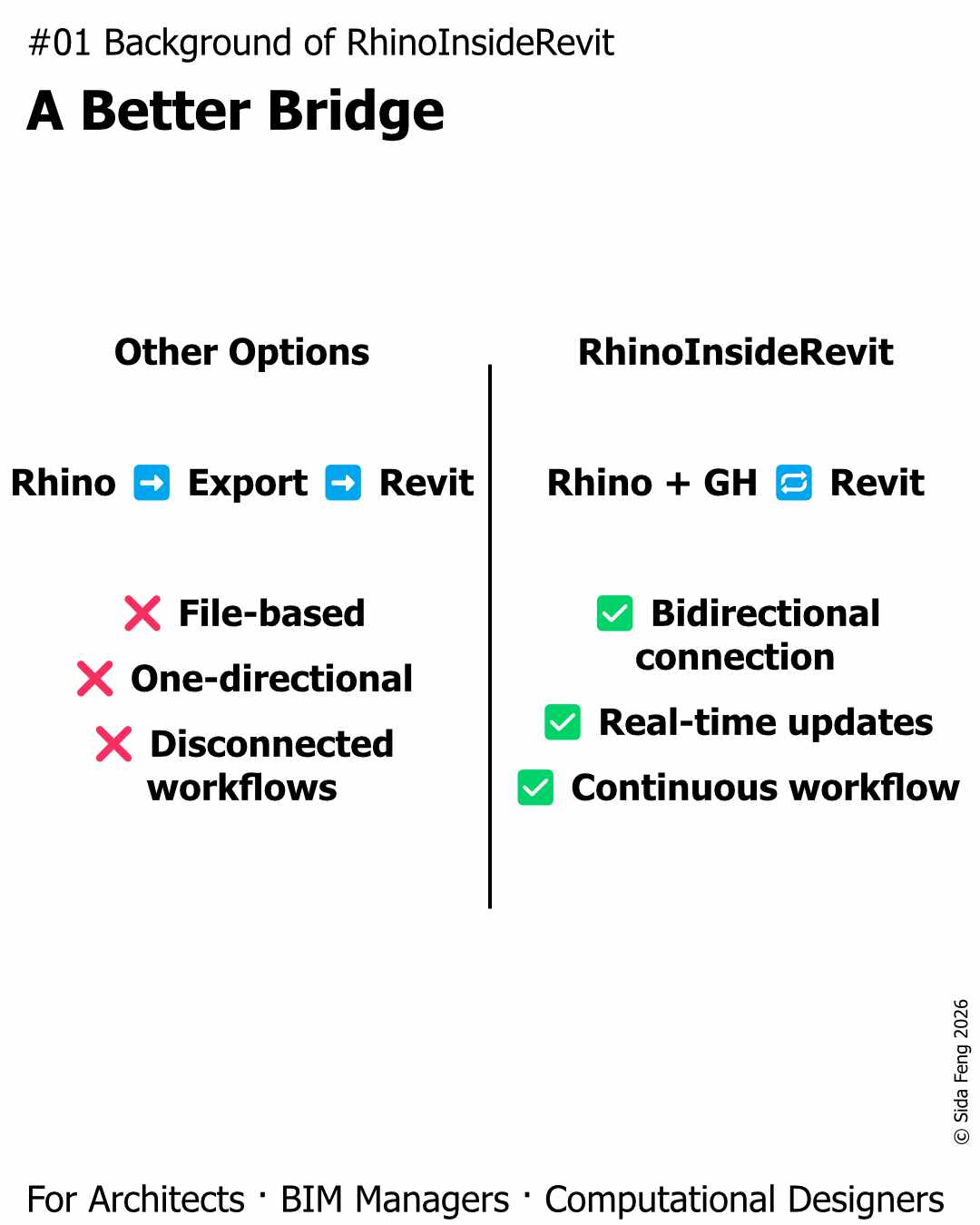
Why is it different from other “bridges”?
There have always been ways to move data between Rhino and Revit.
But most of them are:
❌ File-based (export/import)
❌ One-directional
❌ Disconnected from live project workflows
Rhino.Inside.Revit changes that:
✅ Bidirectional connection
✅ Real-time updates
✅ Continuous workflow throughout the project lifecycle
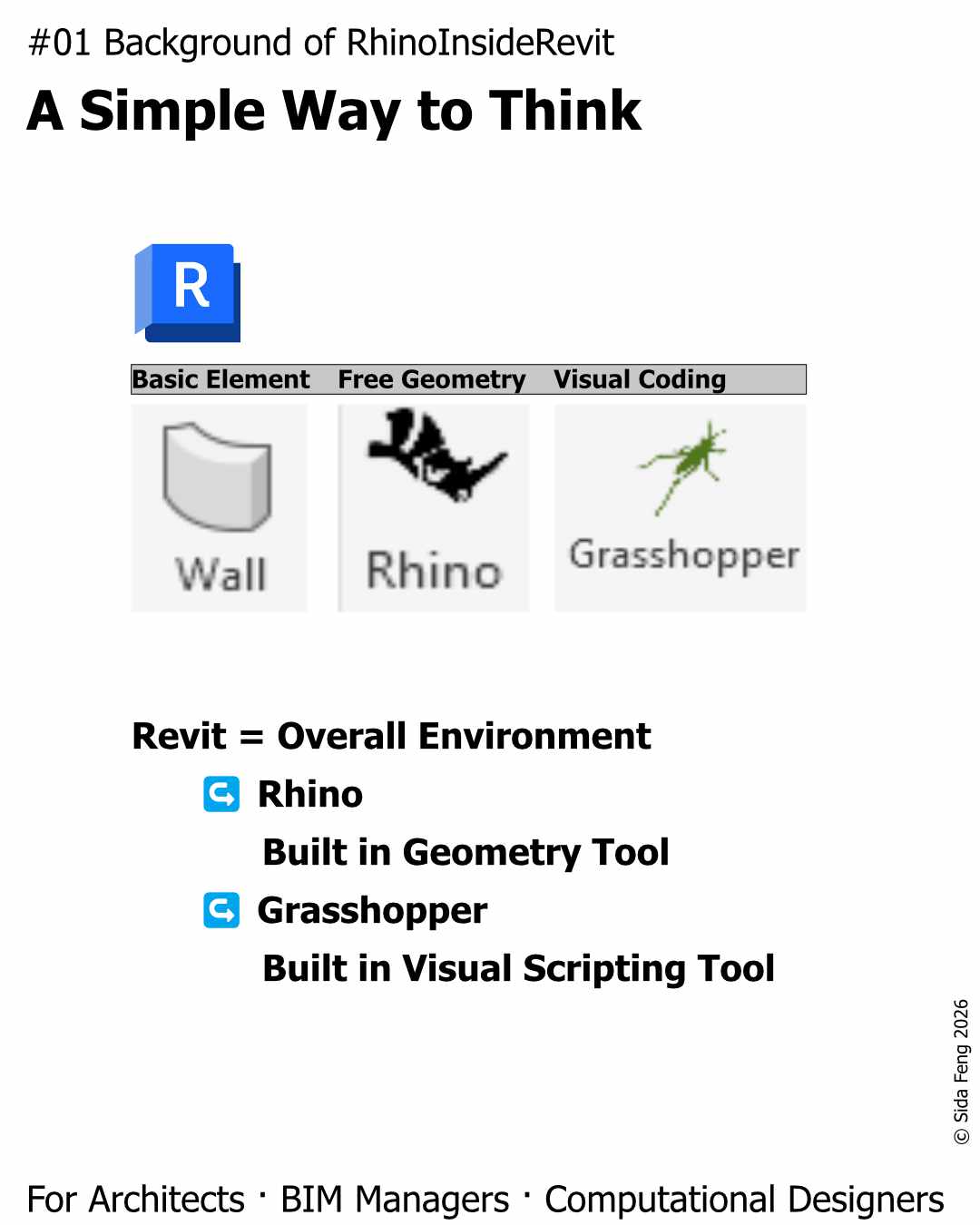
A useful way to think about it
With Rhino.Inside.Revit:
👉 Revit becomes the model environment
👉 Rhino + Grasshopper become native tools inside it
Almost like in Revit:
- Create Wall
- Add View
- Script in Grasshopper
All within the same ecosystem.
Why this matters (for the workflow)
This is the foundation of everything in this series.
Because once Rhino and Revit are no longer “separate tools”, you can:
🔸 Design and document in parallel
🔸 Keep geometry and data aligned
🔸 Reduce translation, rework, and loss of intent
Next post, I’ll move into Part 02 — Setup (Units, Tolerance, Template), where workflows either succeed or quietly fall apart before they start.
@ 2026 Form Theory, Sida Feng